

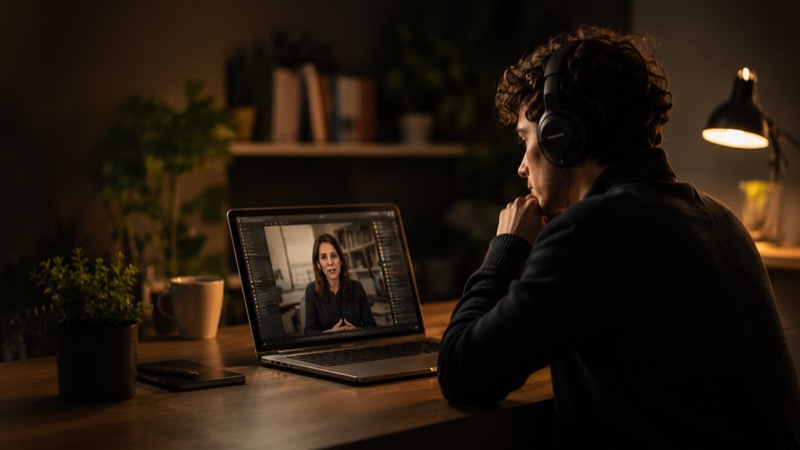






Captions & keystrokes
Recordings transcribe in the background. Generate captions, edit the text, and show the shortcuts you press — with sensitive ones hidden.
A screen recorder with studio-grade audio enhancement — add music and effects, smooth the pointer, and let Camrico clean up your sound as you capture.
Every video on this page was made with Camrico.
Capture
Four ways in — the whole display, one app window, a dragged-out region, or an iPhone mirrored over USB at native resolution.
Presentation styling
Backgrounds, framing, and shadows live right next to your timeline. The gradient, the rounded frame, the camera bubble — all of it is one checkbox, not an evening in a compositor.
Cursor effects
Smooth the path, size the pointer, and mark clicks — so viewers always know where to look. The oversized cursor below isn’t an effect we added to the website. It’s the export.
In practice
Streamers, teachers, sales teams, and support crews — if it happens on a screen, Camrico makes it worth watching.
The editor
Not film production — screen production. Video, microphone and system audio, zoom segments, cursor, and captions each get their own track, in the same window you recorded in.
Follows important actions and keeps the viewer focused — no keyframing, no bounce.
Padding, corner radius, shadow, and inset shape the frame while you watch.
Every edit is a layer over the raw capture. Extract the original files any time.
Audio
Your microphone and system audio record on separate tracks, so you can balance them after the fact. Then a local enhancement pass cleans the take — on this Mac, never in the cloud.
Audio · Mix — try it
Voice · Studio enhance
Runs entirely on this Mac — audio is never uploaded.
Export
Pick a destination and the codec, resolution, and frame rate follow. Estimated file size before you commit. No render farm required.
HEVC · 3840 × 2160 · 60 fps · ≈ 148 MB estimated before you export
Also in the box
Recordings transcribe in the background. Generate captions, edit the text, and show the shortcuts you press — with sensitive ones hidden.
Drop your camera into a corner as a rounded bubble — the one you've seen in every video on this page.
Plug in over USB, tap “Trust This Computer”, and record the device screen at native resolution with device audio.
A small library of tasteful tracks with fade in/out and level control — or bring your own file.
Every project is a portable .screenproj file. Extract the raw recordings whenever you need them.
Recording, editing, and speech enhancement all run locally. Nothing leaves this Mac unless you send it.
Customer feedback
Cut my demo-video time from an afternoon to twenty minutes. The auto zoom alone is worth it.
First screen recorder where my voice doesn't sound like a phone call from 2009.
Our changelog videos went from skipped to watched-to-the-end. Viewers notice the polish.
I dragged one slider and my messy capture looked like a keynote. Sold.
The GIF export lives in every README we ship now.
Recorded Monday, tutorial series live Wednesday. It removes every excuse.
Support replies with a 40-second video beat three paragraphs of steps, every time.
My sales walkthroughs finally look like the product deserves. Prospects reply now.
Exports land straight in
Pricing
Free trial
Free
One-time licence
$15 one-time
₹1399 in India. One payment, no subscription — the licence is yours for good.
FAQ
Yes. You can capture system audio and your microphone together — each lands on its own track, so you balance the two levels in the editor afterwards.
Both. Window mode lists every open window with live thumbnails; Area mode lets you drag out a precise region with pixel dimensions shown as you drag.
Connect the device with a USB cable, unlock it, and tap “Trust This Computer”. Camrico mirrors the screen at native resolution and can record device audio too.
Record in 1080p or 4K at up to 60 fps, and optionally include any connected camera as a floating bubble you can reposition in the editor.
Your recordings never leave your Mac. Capture, editing, speech enhancement, and export all run locally — no footage, audio, or project is ever uploaded, and you decide if and when a file is shared.
The one exception is the licence check: Camrico asks our server how many free exports remain, which needs a connection. It sends an anonymous device fingerprint and nothing else — never your files or their contents — and only after you agree on first launch. Once you own a licence, Camrico keeps working offline for months at a time.
macOS 14 Sonoma or later, on Apple Silicon and Intel. The download is a signed, notarized universal build.
Capture, polish, and publish from one focused macOS app.